Read summarized version with


Introduction
An e-commerce platform we work with went from a limited early-stage collection to 959,139 products catalogued in a single day. Same engineering team. Same target site. What changed in fourteen months was the pipeline architecture — and one specific bottleneck that no off-the-shelf tool could clear: CAPTCHA s that broke every traditional OCR tool, residential proxy fingerprints that needed constant rotation. GPT-4o-mini handled both. Automated quality scoring across every vendor kept the output clean at scale.
GroupBWT is a custom software development services company. We build production systems for clients in e-commerce, health tech, property management, and research — usually as their primary engineering partner rather than a supplement to an in-house team. If you are a CTO or VP of Engineering, figuring out how to use AI in software development without setting the delivery pipeline on fire, this is the practitioner view. What we measured, what broke, and what we shipped.
Data Engineering: From Raw Web to Data Product
We develop and manage custom data solutions, powered by proven experts, to ensure the fastest delivery of structured data from sources of any size and complexity.
We offer:
- Custom Web Scraping & Development
- 15+ Years of Engineering Expertise
- AI-Driven Data Processing & Enrichment
Key Types of AI Used in Development (ML, NLP, Generative AI)
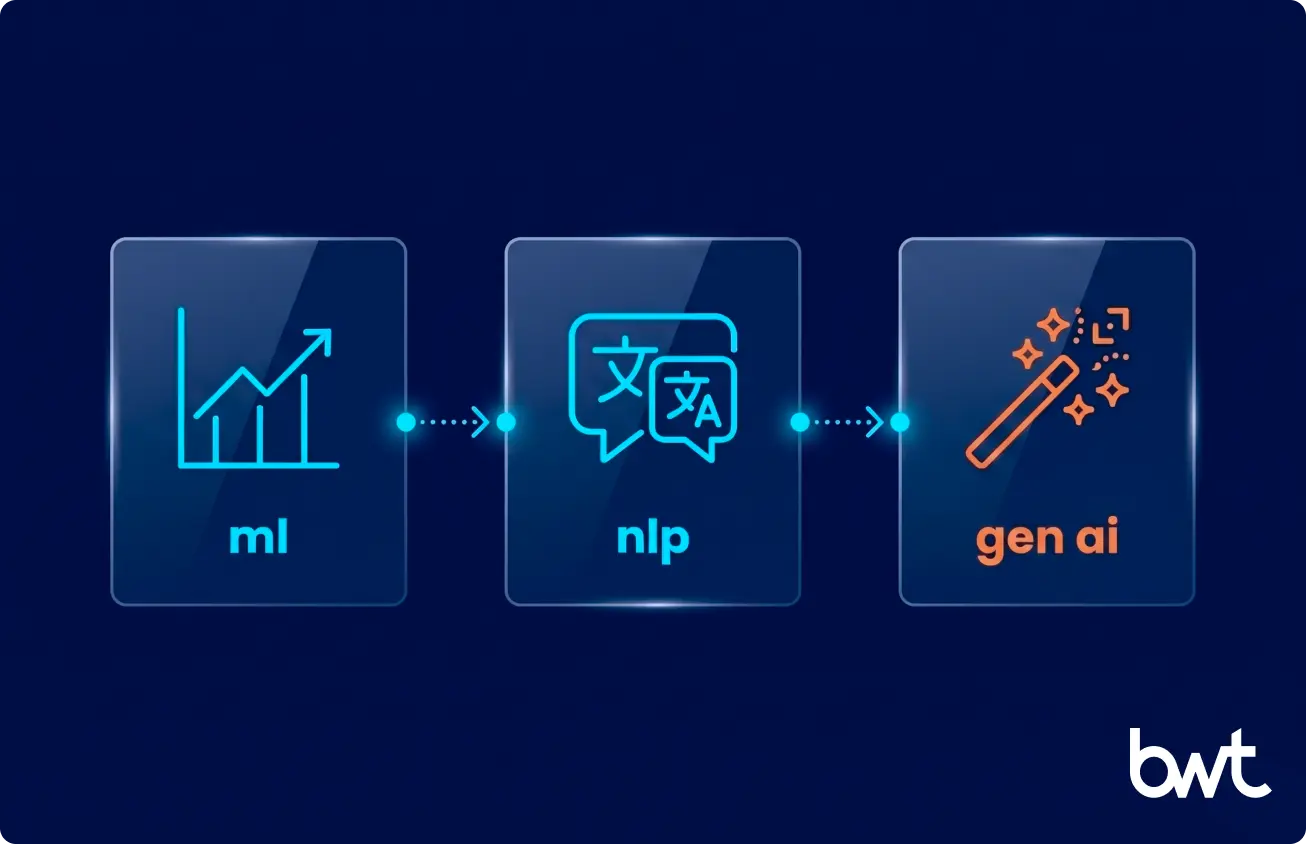
Three families of AI show up in modern delivery work. They do very different jobs.
Classical machine learning models predict things: defect probability in a pull request, churn risk in a feature, the next likely command in a CLI. Natural language processing handles unstructured input — requirements documents, log lines, customer tickets, scraped HTML. Generative AI is the loud one. Large language models that write code, draft tests, explain stack traces, and increasingly run as agents that read your repository and edit files on their own.
The interesting part is what happens when you mix them. One of our engineers used GPT-4o-mini to handle complex CAPTCHA scenarios where traditional OCR failed — including Korean-language variants that no commercial vendor on the market could process reliably. Generative AI doing perception work that no classical ML model could handle out of the box.
How AI Is Changing Traditional Development Approaches
The old development loop assumed humans would write almost every line. AI usage in software development inverts that assumption for entire categories of work: boilerplate, type definitions, test scaffolds, schema migrations, regex patterns, and JSON wrangling. Things engineers used to grind through are now drafted in seconds and reviewed in minutes. The skill that matters is no longer “write the function” but “decide whether the function the model wrote is the one that should ship.”

Why AI in Software Development Matters Today
The 2025 framing from Google’s DORA 2025 State of AI-assisted Software Development Report (Google Cloud, 2025) is blunt: the question is no longer whether engineering teams should adopt AI, but how to realize its value. Budget approvals, hiring plans, and architectural decisions made in the next twelve months will lock in your delivery org’s cost structure for years.
Increasing Development Speed and Efficiency
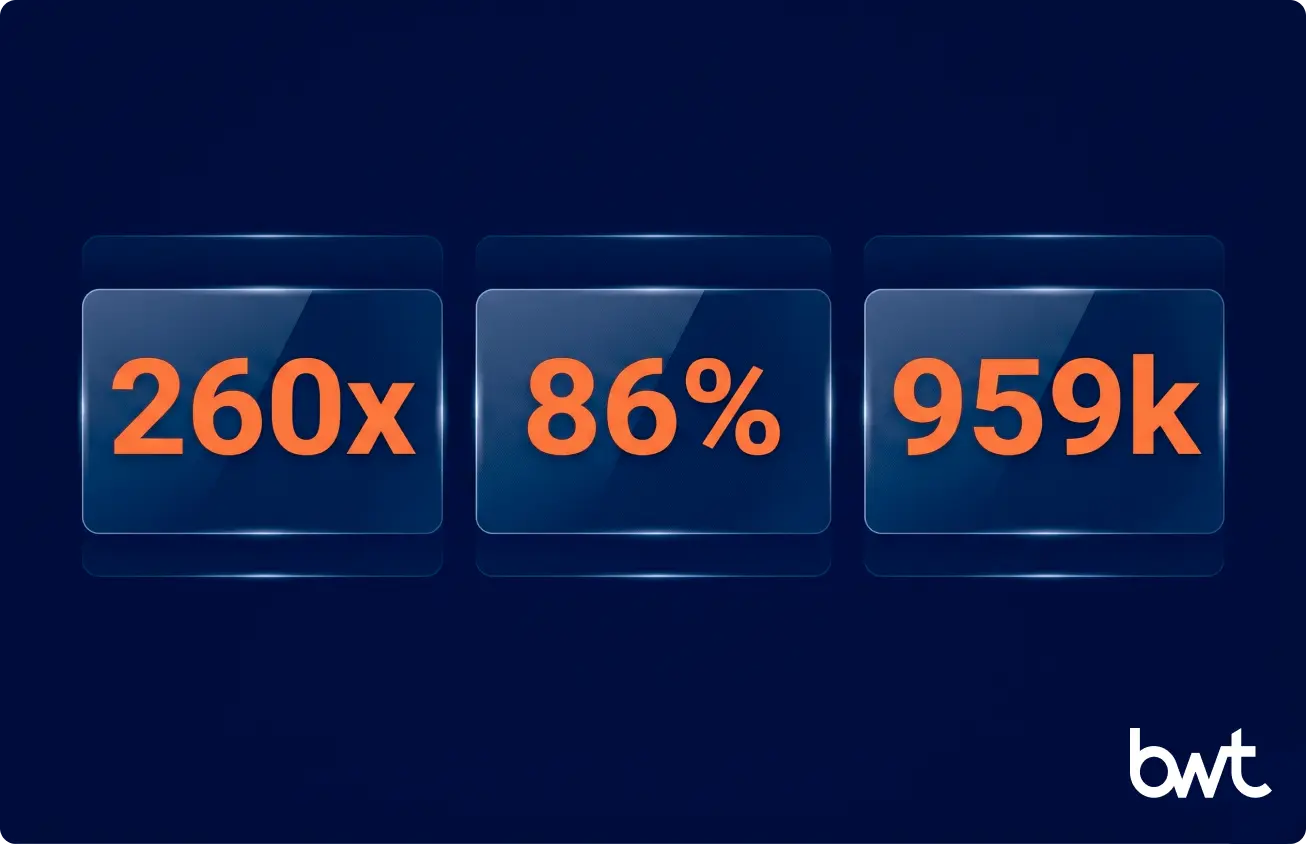
Speed is the easiest gain to measure and the easiest to exaggerate. In the Korean e-commerce pipeline, switching from a browser-based scraping tool to a direct HTTP client with TLS fingerprint spoofing (matching the browser’s network handshake at the protocol level, without running an actual browser) produced a 260x increase in per-request throughput. Five hundred products per hour became 130,000 — same infrastructure, same team, different architecture. The remaining bottleneck was CAPTCHA — including Korean-language variants – that no commercial vendor could process reliably. GPT-4o-mini cleared them.
Reducing Costs and Manual Work
For a British property management client, we replaced a manual contact-research workflow that was producing 64% country coverage across 60,000 raw records. A small Claude model cleaned the unstructured fields. Country coverage jumped to 86%. Phone coverage jumped from 55% to 80%. The benefits of AI in software development are clearest when the model handles the boring parts your team would have outsourced anyway.
The Productivity Reality Check
A peer-reviewed counterweight is worth taking seriously. The METR 2025 study on experienced open-source developer productivity found that experienced developers were slower with AI tools than without them. DORA and METR are not contradicting each other — they are measuring different things. DORA surveyed broad adoption intent across teams of mixed experience. METR ran a controlled experiment on experienced engineers doing complex, open-ended tasks. The gap between perceived speedup and actual speedup is real: junior developers and greenfield work see clear gains. Experienced engineers on complex legacy codebases sometimes do not. Neither dataset is the whole picture. Running your own measurement — even a rough one — is more useful than believing either in isolation.
AI as a Procurement Filter
The impact of AI in software development on procurement is accelerating. Buyers now ask about AI capabilities the way they used to ask about cloud-native architecture — as a filter that determines whether a vendor reaches the shortlist at all. That shift creates pressure on engineering teams to show something real. The risk is not that AI tools have no value; it is that teams adopt them without measuring what they actually deliver, then face hard questions when the proof-of-concept stalls. Concrete wins matter more than adoption headcount.
Also Read: AI Consulting for Small Businesses: Strategies, ROI, and Expert Tips
How AI Is Used Across the Software Development Lifecycle
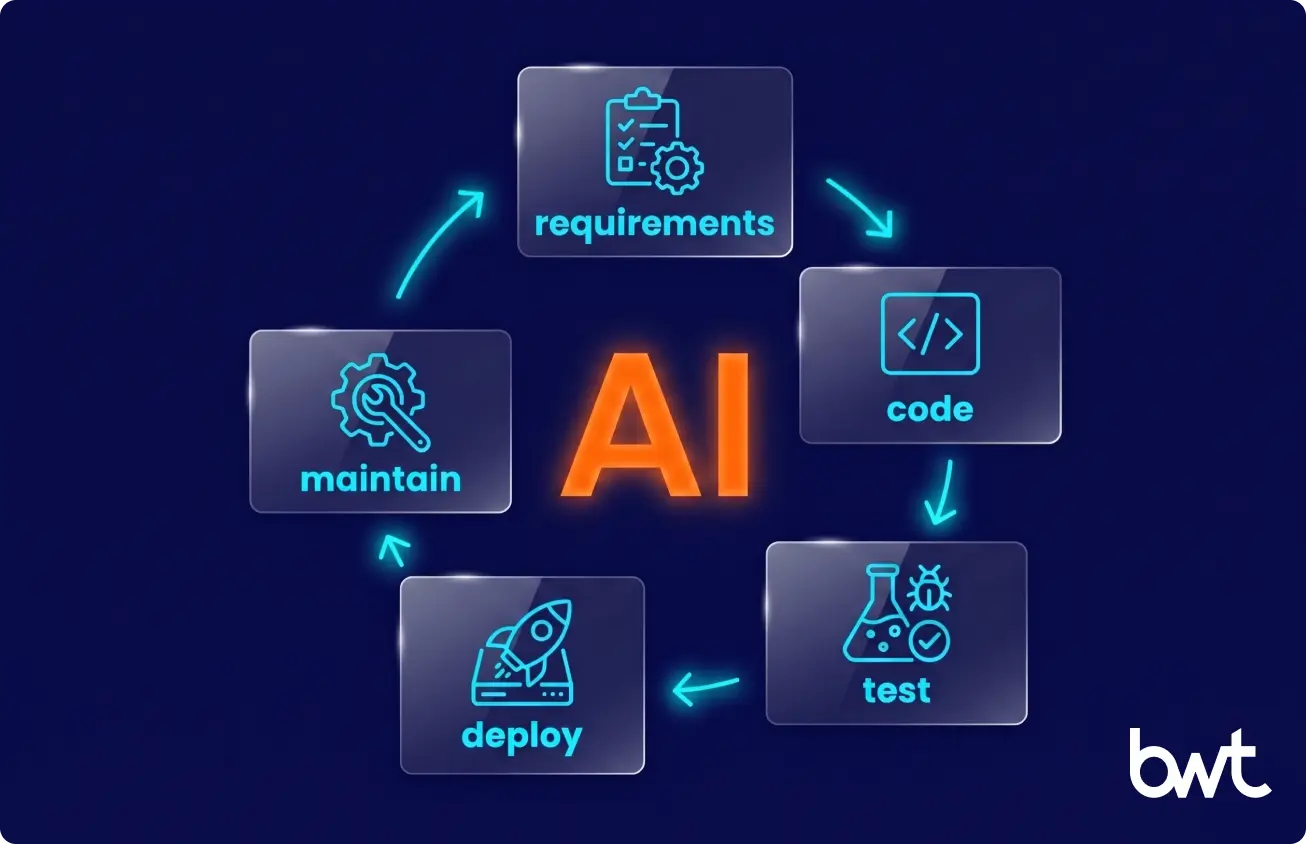
Here is how AI helps in software development life cycle, section by section — with what actually ships versus what stays in the demo.
AI in Requirements Analysis and Planning
LLMs parse long discovery transcripts into draft user stories; a human PM rewrites. For one Cambridge-based research client, we replaced manual cataloging with an NLP pipeline built on SpaCy (an open-source Python library for processing and analyzing text) and NLTK (Natural Language Toolkit, a Python library for structured language data) that pulled metadata from 2,000+ company profiles. The team got their research inventory in days, not weeks — and the pipeline has run continuously for two years with three API sources replaced along the way.
AI in Software Design and Architecture
Architecture is still where a senior human earns their paycheck. AI tools draft sequence diagrams, suggest patterns, and catch anti-patterns in a proposed schema. They do not replace the conversation where two engineers argue about whether RabbitMQ (a message broker for queuing tasks between services) or Kafka (a distributed event streaming platform) is right for a specific workload and scale. The constraint analysis is still a human conversation.
AI in Coding and Code Generation
The honest version: code-generation tools save hours per day on greenfield work and almost nothing on a fifteen-year-old PHP monolith with 2,700 Jira tickets behind it. We run both kinds of projects right now. Using AI in development is a per-repository decision, not a company-wide toggle.
AI in Testing and QA Automation
The 2025 NIST GenAI Pilot Code Challenge Evaluation Plan is a national lab effort to standardize how AI-generated unit tests get evaluated. Until that becomes a real benchmark, teams rely on coverage metrics and gut feel. LLM-generated unit tests are starting drafts at best — useful for scaffolding, not for replacing a test strategy.
AI in Deployment and DevOps
ArgoCD (a GitOps deployment tool for Kubernetes clusters) and Helm (a package manager for Kubernetes applications) are not AI. The AI piece is anomaly detection on logs, predictive scaling, and alerts that summarize a Sentry stack trace before the on-call engineer opens the dashboard. Useful for triage. Not a substitute for an experienced SRE.
AI in Code Review and Long-Term Maintenance
Our longest-running engagement is a mental health EHR with seven-plus years of development, 2,726 Jira tickets, and daily standups seven days a week. The team runs merge requests through an AI code reviewer configured with the project’s own conventions, architecture decisions, and naming patterns via a rules file — not a generic linter. It catches issues that happen specifically because a reviewer is seeing file 23 of a 40-file PR: context collapse, not carelessness. In the months after deployment, it flagged real bugs on multiple merge requests that human reviewers had cleared. This is the AI use case that scales with codebase age rather than shrinking.
“For me, Claude handles almost every task without extra prompting. The advantage is that it understands the project structure and can navigate files itself. That is what makes it usable on a codebase of this age, not raw model quality.”
— Dmytro Naumenko, CTO at GroupBWT
Top Use Cases of AI in Software Development
How can generative AI be used in software development beyond code completion? Five patterns from our generative AI development services that we ship in production.
AI-Powered Code Generation and Autocompletion
Cursor, GitHub Copilot, and Claude Code in the terminal cover most daily work. Acceptance rates inside our team vary by language: highest on TypeScript and Python, lowest on legacy PHP.
Automated Testing and Bug Detection
LLMs draft tests; humans fix them; CI catches the rest. AI-only tests do not merge.
Code Review and Optimization
This is where we see the cleanest gains. AI reviewers flag issues a tired human skims past — null checks, off-by-one errors, and missing validation on a request body. The EHR engagement above is the clearest example we can share.
Predictive Analytics for Project Management
Velocity forecasting from Jira histories is a small but real win. Accurate on teams running predictable sprint cycles; wrong on novel work.
AI Chatbots for Development Support
Internal documentation chatbots beat the old wiki for a simple reason: nobody read the wiki.
Popular AI Tools for Software Development
A focused field guide. Each tool occupies a different position — picking the wrong one for your workflow costs adoption time.
| Tool | Best for | Weakness | Price |
| GitHub Copilot | Autocomplete | Multi-file edits | $19/mo |
| Cursor | Multi-file edits | Huge codebases | $20/mo |
| Claude Code (CLI) | Terminal tasks | Speed & Cost | Pay-per-use |
| ChatGPT (GPT-4o / GPT-5) | Coding Q&A | IDE integration | $20/mo |
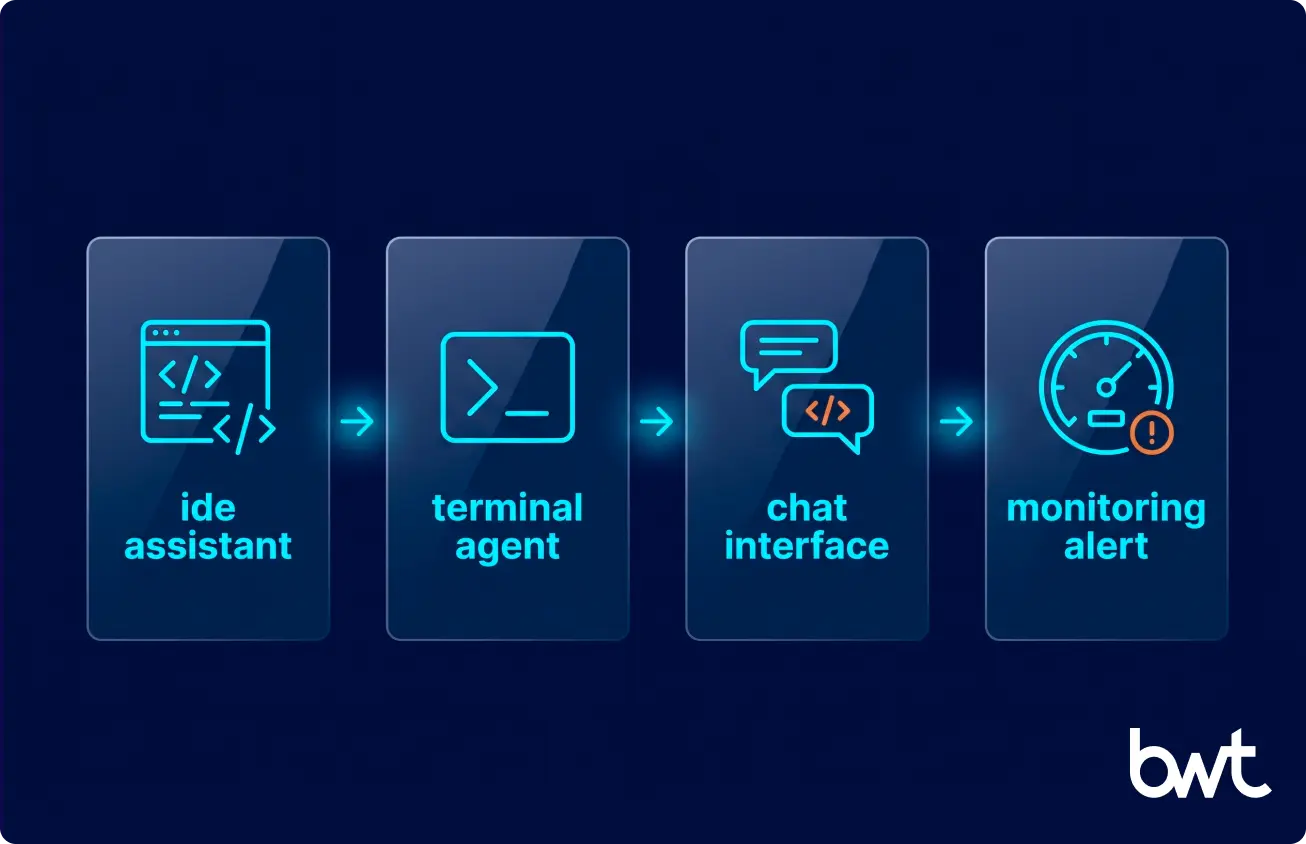
Copilot and Cursor overlap in daily autocomplete. The practical difference: Cursor handles multi-file context better and is the stronger choice when large refactors or architectural changes dominate. Copilot is faster to adopt and sufficient for line-by-line completion on stable codebases.
DevOps tooling — Datadog, New Relic, Sentry — added AI summarization to alert flows during 2025. Useful for triage. Not a substitute for an experienced SRE.
Benefits of AI in Software Development
The edges of AI in development can be defended with numbers from production:
- Faster time-to-market. Same engineering team, more shipped features per quarter — on reasonably modern codebases.
- Improved developer productivity. Microsoft Research’s New Employee Copilot Usage (Microsoft Research, 2025) study of 125 interns found that frequent Copilot users felt better socialized into their teams and spent less time stuck on unfamiliar code.
- Higher code quality on greenfield work. AI reviewers catch a meaningful share of issues that human reviewers skim past, especially on large PRs where reviewer attention degrades.
- Better data decisions. LLMs draft analytical SQL faster than most analysts type, freeing senior time for the questions that actually change the outcome.
“When we measure value, we look at three things only. Cost per delivered feature. Defect rate after release. Time from concept to a usable demo. AI moves all three in the right direction on the right kind of project. On the wrong kind of project, it moves none of them.”
— Eugene Yushenko, CEO at GroupBWT
Challenges and Risks of Using AI in Development
The challenges of AI in software development are not theoretical. We have hit all of them.
Code Quality and Reliability Concerns
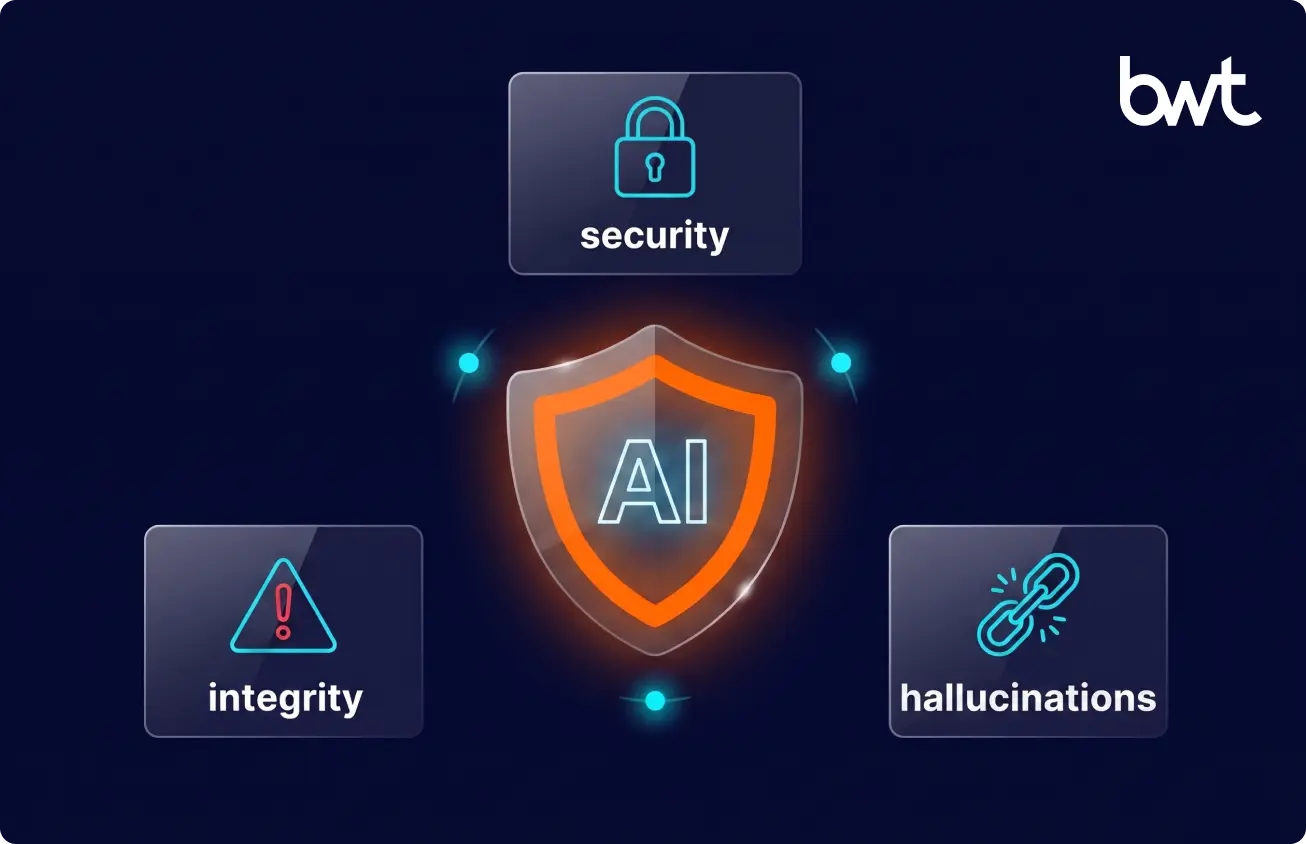
The risks of AI in software development start here. LLMs hallucinate API signatures, invent flags that do not exist, and confidently reference deprecated methods. A suggestion that looks plausible enough to pass review is more dangerous than one that fails immediately. Mandatory human review on every customer-facing merge is not a best practice — it is the baseline.
Security and Data Privacy Risks
For our EHR client, every line of generated code touches Protected Health Information. We anonymize inputs before any prompt leaves a controlled environment, and a separate audit-trail service (built on Symfony, RabbitMQ, and MariaDB) logs every PHI interaction for the legally required six years.
Over-Reliance on AI Tools
A junior engineer who copies an AI suggestion without understanding it is more dangerous than one who writes it themselves and gets it wrong. The copied version looks plausible enough to pass review. This is the risk of using AI in software development that training programs consistently underestimate — and the one that produces real production incidents.
Integration with Existing Workflows
The real friction point is not the AI model. It is the integration. A production CI/CD pipeline with secrets, IAM scopes, and a private package registry is nothing like what the demos show. One property tech client of ours fought a target site for months: 100% success in tests, 0% in production after the site tightened its defenses. Knowing when to fold and rebuild from a different source is part of the integration job. So is designing the fallback before you need it.
“Every new integration adds complexity. Without a real integration framework, every model you bolt onto a production pipeline makes the next problem harder to solve. AI does not change that law of software.”
— Alex Yudin, Head of Scraping at GroupBWT
AI in Software Development vs Traditional Development
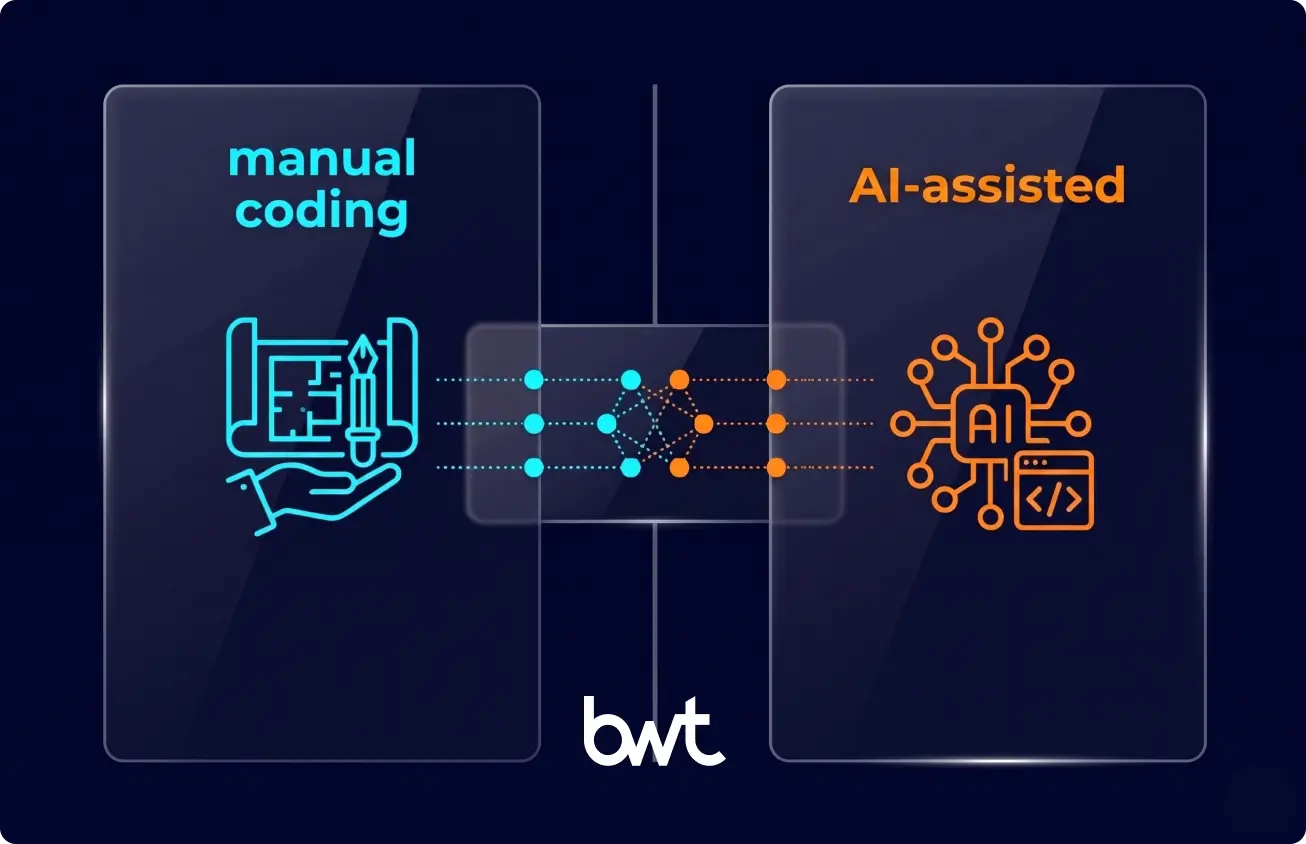
The comparison is not “AI versus humans.” It is AI-assisted workflows versus human-only workflows on specific task categories.
Where AI-assisted wins
Greenfield code generation, test scaffolding, boilerplate across modern stacks, log analysis, contact-data enrichment, and code review at high PR volume. These tasks have clear inputs, tolerance for a first draft that needs editing, and a low cost of being wrong on the first pass.
Where traditional wins
Architecture decisions, security boundary design, compliance interpretation, debugging production incidents on unfamiliar codebases, and any work where the model’s confident-but-wrong output is more dangerous than a slower human answer. The METR finding applies here: experienced engineers on complex tasks can actually slow down when they feel obligated to review an AI suggestion rather than write the solution themselves.
The hybrid reality
The NLP pipeline handled cataloging at scale; the research team still owned the classification schema and the quality bar. AI accelerates the parts it accelerates, forming the backbone of AI assisted software development. However, humans still own the architecture, the security boundaries, and the final calls about what ships.
Best Practices for Implementing AI in Software Development
The version we actually run.
Start with Clear Use Cases
AI adoption in software development fails when “let’s use AI” is the project goal. It works when the goal is “cut code review time by 30%,” and AI happens to be the lever. Starting with a measurable problem gives you a clear signal when the tool is working — and when it is not.
Integrate AI into Existing Workflows
Drop the new tool inside the workflow your team already uses. If engineers live in VS Code with a Slack channel for code review, the AI reviewer posts there. If they live in JetBrains with GitLab MRs, that is where the comments are. Adoption dies when the tool requires a context switch.
Ensure Data Quality and Governance
A Cambridge research project we maintain depends on 64+ external API calls per day. Three of those APIs broke or shut down over two years. Aggressive caching, failure alerts, and last-known-good fallbacks kept the pipeline running. The same posture applies to anything AI consumes upstream.
Train Teams to Work with AI Tools
A repo-level rules file (CLAUDE.md, .cursorrules, or equivalent) does more for output quality than any amount of prompt engineering training. Specify what the model must not do: “Do not refactor unrelated code.” “Do not add new dependencies without asking.” The noise drops fast. That is how to leverage AI in software development without the model running off and breaking things.
The Strategic Shift to AI Assisted Software Development
Agentic coding tools are getting more capable monthly. The shift from “AI completes the line you are typing” to “AI completes a multi-file feature against acceptance tests” happened fast. Low-code platforms are becoming less relevant as AI assisted software development makes real code more accessible to write. Teams that want to know how to use AI in software development at enterprise scale are finding that the discipline question — measurement, governance, access control — matters more than the tool-selection question. Mastering AI assisted software development at scale requires a shift in mindset, not just a change in IDE.
When to Partner with an AI Software Development Company
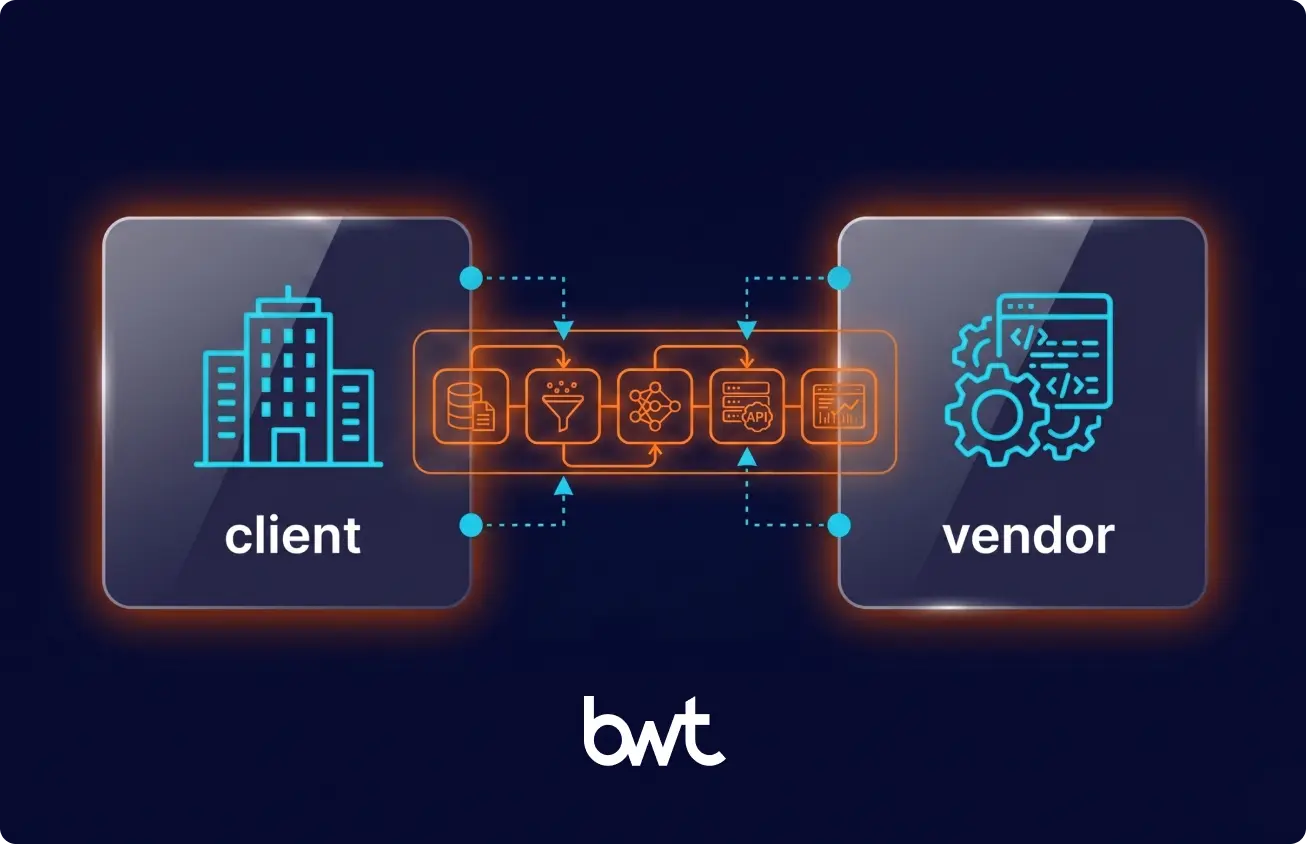
Knowing the principles is one thing. Building the engineering culture, the data discipline, and the integration framework to do it safely at a production scale is another entirely.
As an AI development company, GroupBWT delivers software development services across the full delivery lifecycle — embedding AI reviewers into existing codebases, building new AI-powered products from scratch, and running hybrid human-AI pipelines for regulated industries. The engagements in this article are representative of how we work.
Build vs. Buy: How to Frame the Decision
The build-vs-buy question for AI in software development is not “can we do this in-house?” It is “should we spend the next 6–12 months building this capability, or apply that capacity to our product?” Teams with no AI-in-production experience typically underestimate time-to-value. The first production AI feature takes two to three times longer than expected because the integration work — data pipelines, compliance controls, observability — is invisible in the planning phase.
From our project history: a first production AI feature typically lands in 6–10 weeks, working with an external partner. A full pipeline rebuild runs 3–5 months. These are real numbers, not aspirational. Internal teams doing this for the first time without prior production experience typically run 2–3x over those timelines.
Signs You Need External Expertise
The last AI proof-of-concept stalled within three months. Data scientists and platform engineers in your org are barely on speaking terms. Security blocked the last LLM rollout. Nobody can give you a clean answer about who owns the prompt library. Any of those, and the problem is organizational, not technical — and outside expertise accelerates the fix.
What “When to Hire a Vendor” Actually Means
Hiring an AI development partner makes economic sense when the time-to-hire, ramp, and failure cost of building internally exceeds the cost of a focused engagement. This is almost always true for regulated domains where compliance architecture is not intuitive, and for teams whose product roadmap cannot absorb a 6-month internal AI buildout. AI assisted software development at enterprise scale is mostly a discipline problem — data governance, access control, observability, human review gates — and a partner who has already built that discipline on comparable projects compresses the timeline significantly.
How to Choose the Right Vendor
Score vendors on cost, success rate, and speed of fix — measured on real project data, not sales estimates. Ask for production metrics from comparable engagements. Ask how the vendor handles a model deprecation, an upstream API change, and a compliance escalation. Ask what they will not build and why. The answers tell you more than any deck.
The use of AI in software development is now table stakes for any serious engineering organization. The question is whether you build that capability in-house, hire it, or partner for it. The wrong move is to delay the decision while waiting for the technology to stabilize. It will not.
If your team is navigating the build-vs-partner question on a regulated or complex codebase, our AI consulting services are the right starting point.
The answer depends on which part of the lifecycle you’re asking about. In planning, LLMs parse discovery transcripts into draft user stories. In coding, AI tools generate boilerplate, complete functions, and propose refactors across multiple files simultaneously. In testing, AI generates test scaffolds that engineers then edit and harden. In code review, AI reviewers catch issues human reviewers miss on large PRs — particularly context-collapse errors on files 20+ into a big change. In operations, AI summarizes log anomalies and stack traces before the on-call engineer reaches the dashboard. What delivers value depends on codebase age, team experience, and regulatory overhead in the domain.
Three patterns from our production work: cleaning unstructured input (a small Claude model lifted one client’s contact-data country coverage from 64% to 86% across 60,000 records), handling complex CAPTCHA scenarios where traditional OCR had no answer (GPT-4o-mini processing Korean-language variants that commercial vendors could not handle), and summarizing long internal artifacts so engineers spend time on decisions instead of searches.
Hallucinated API calls, security exposure of sensitive data through prompts, over-reliance by junior engineers who ship suggestions they do not understand, and brittle integrations with existing CI/CD. Mandatory human review plus a proper audit-trail service for regulated environments is the baseline, not the gold standard.
Not in any timeframe that a CTO needs to plan around. The work moves from typing to judgment: which requirements are real, which architecture survives the next two years, and which trade-offs are acceptable to the business. Teams that lean into the shift get more delivered with the same headcount.
Score vendors on cost, success rate, and speed of fix — measured continuously on real project data, not in a single procurement cycle. Ask for production metrics from comparable engagements. Ask how the vendor handles a model deprecation mid-project. Ask what they will not take on. The answers reveal more than any capability list.
Read summarized version with
Data Engineering: From Raw Web to Data Product
We develop and manage custom data solutions, powered by proven experts, to ensure the fastest delivery of structured data from sources of any size and complexity.
We offer:
- Custom Web Scraping & Development
- 15+ Years of Engineering Expertise
- AI-Driven Data Processing & Enrichment