CLIENT STORY
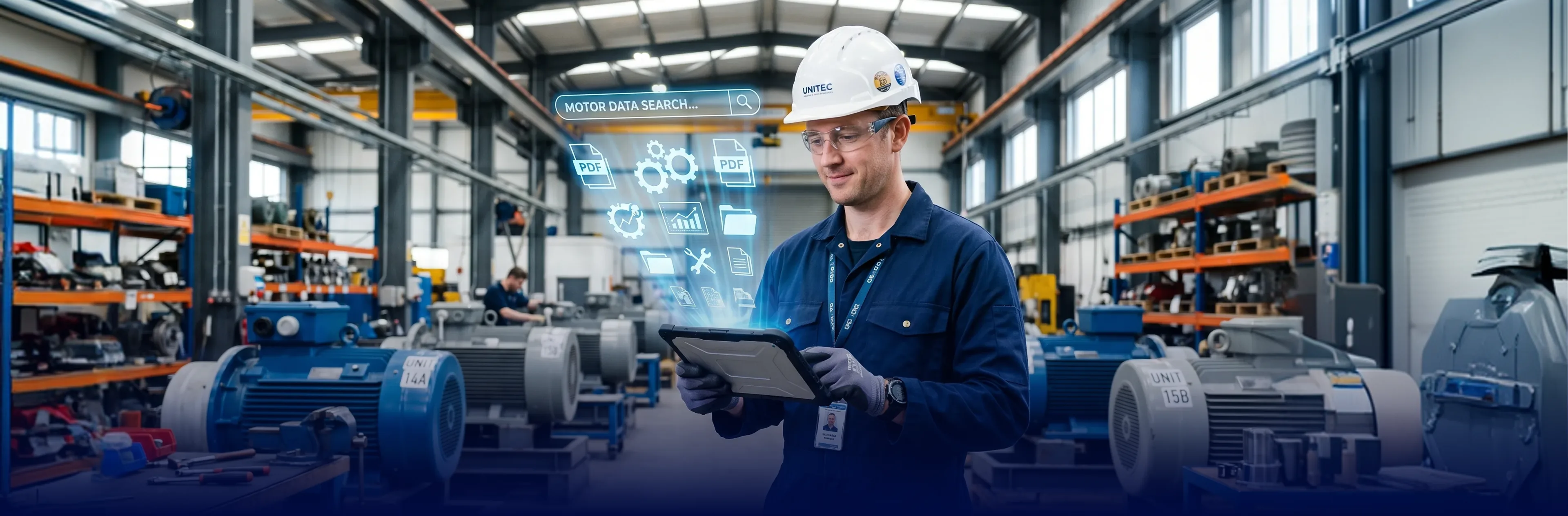
The client, a European manufacturer, builds AC electric motors and electronic assemblies for cars, tractors, and commercial vehicles, and sits inside a larger industrial group. Their R&D and engineering teams design and adapt motors to each customer’s spec — across more than 3,600 variants. For each one they maintain winding data sheets, drawings, dimensional inspection reports, and control plans. The technical director owns product and process end to end, and wanted the company’s engineering knowledge to be findable — and ready for the AI tools the team had started to experiment with.
| Service: | Data Engineering |
|---|---|
| Industry: | Manufacturing |
| Region: | EU |
Read summarized version with


If I close my eyes, the data is all in my head — but it's nowhere else. We have 3,600 motor types, and finding one drawing can take half an hour of opening folders one by one. — Technical Director
I don't want another tool my engineers have to learn and then abandon in three months. Whatever we add has to fit how they already work — and actually get used. — Technical Director
Engineering Knowledge Scattered Across Six Systems
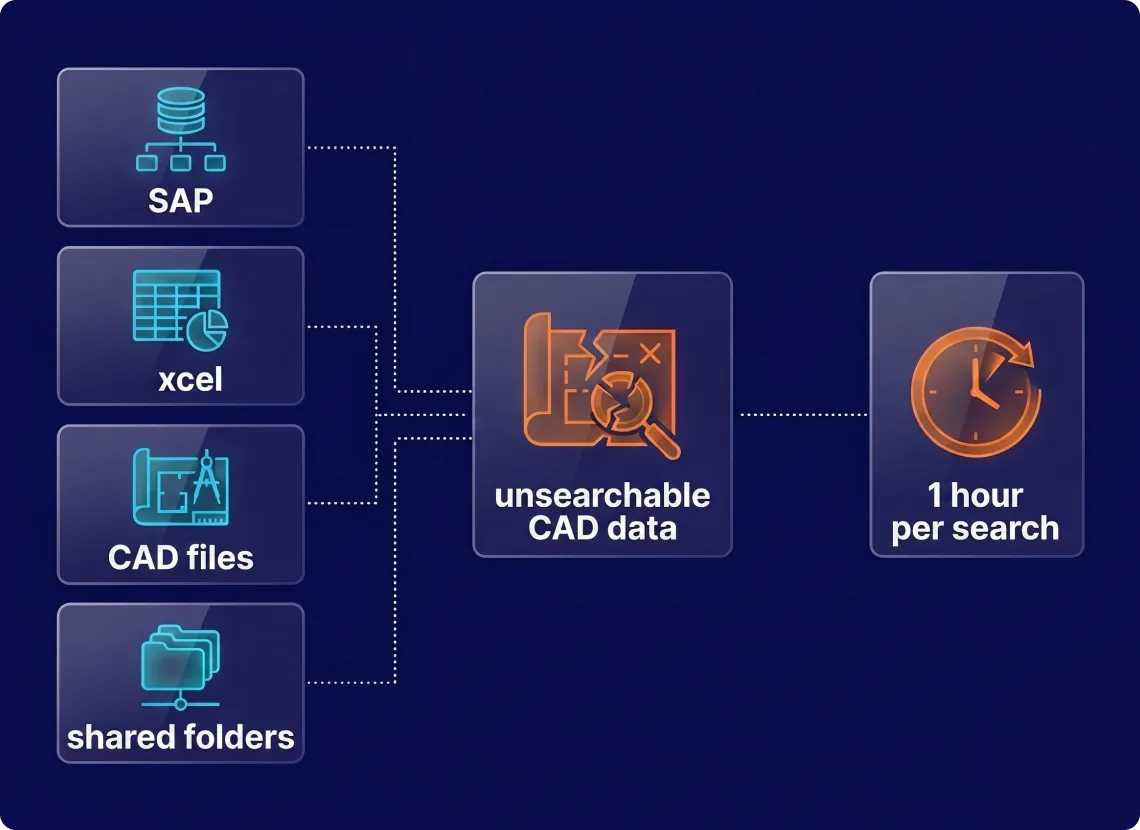
Every motor the company builds generates its own paperwork — winding data sheets, drawings, dimensional inspection reports, control plans, customer requirement sheets. And that knowledge was scattered. Six disconnected places held it — SAP, about 600 R&D folders on a shared drive, sales spreadsheets, SolidWorks CAD files, Microsoft 365, and a handful of ad-hoc AI tools. Nothing was connected, and file names followed no standard.
So finding anything meant knowing where to look and opening files one by one — often half an hour, sometimes an hour, just to confirm what a file held. An automation engineer had tried indexing the server; it surfaced files but couldn’t standardize names or sort them into any logic. A single-user PDM module the team had licensed solved only CAD and integrated with nothing else, so they dropped it.
The sharpest pain sat inside the CAD files themselves: parameter tables drawn as graphics, not stored as data. Export them to PDF or Excel and the structure fell apart — and nothing off the shelf they tried could read them. The company was growing, and engineers were losing hours to the search. The director chose to fix it instead of working around it.
A Unified Search Layer Over the Existing Systems
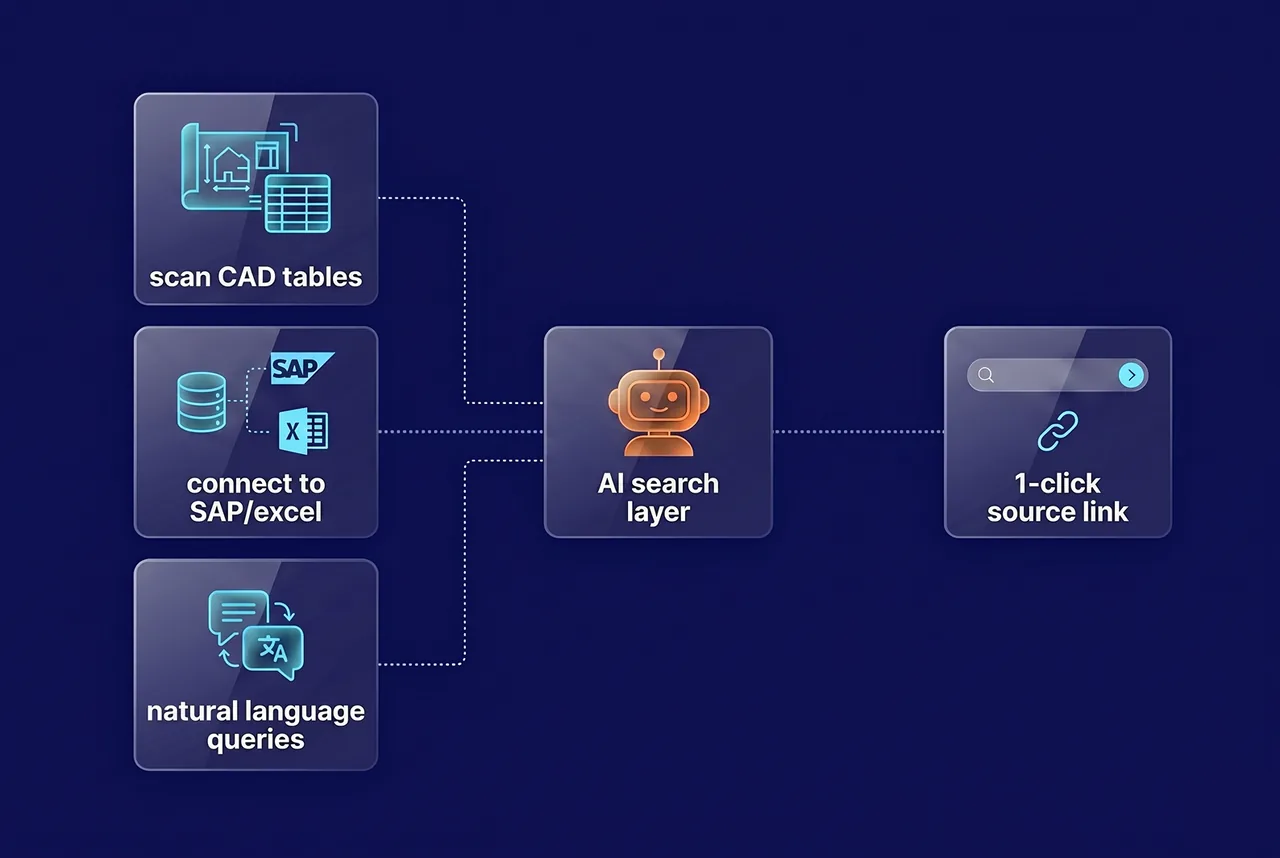
GroupBWT’s approach was deliberately non-invasive: no rip-and-replace PLM, no data lake that copies everything, but a layer that indexes and enriches what already exists — leaving SAP as the system of record and engineers in the tools they know. The design has three working parts, scoped by a discovery phase on the client’s real files before any build.
Connectors and discovery. Rather than migrate data, connectors read from each source — SAP, file servers, CAD, Excel, Microsoft 365 — and sync incrementally without downtime. Discovery maps what each team actually stores and how they search first, so the structure fits real habits instead of an imposed one.
CAD table extraction. The hardest problem — parameter tables drawn inside DWG files — gets its own pipeline: classify each file, extract the table, and route low-confidence results to an engineer to confirm. Every result links back to the original drawing, because in engineering a wrong number is worse than a missing one.
AI search and a product view. On top sits a hybrid search — exact codes, structured filters, and natural-language questions — with an AI assistant that answers “find a motor like this one” and always cites the source document. And one product-centric view pulls together every file, parameter, and record tied to a given motor.
Tech stack: Unified metadata layer, hybrid search (structured filters + keyword + vector), CAD/DWG parsing with human-in-the-loop validation, incremental source connectors (SAP, Microsoft 365, file shares), LLM-based search and summarization with source citations.
In engineering, an AI that's confidently wrong is worse than useless. So every number we surface links straight back to the original drawing, and anything the model isn't sure about goes to an engineer to confirm before anyone trusts it.

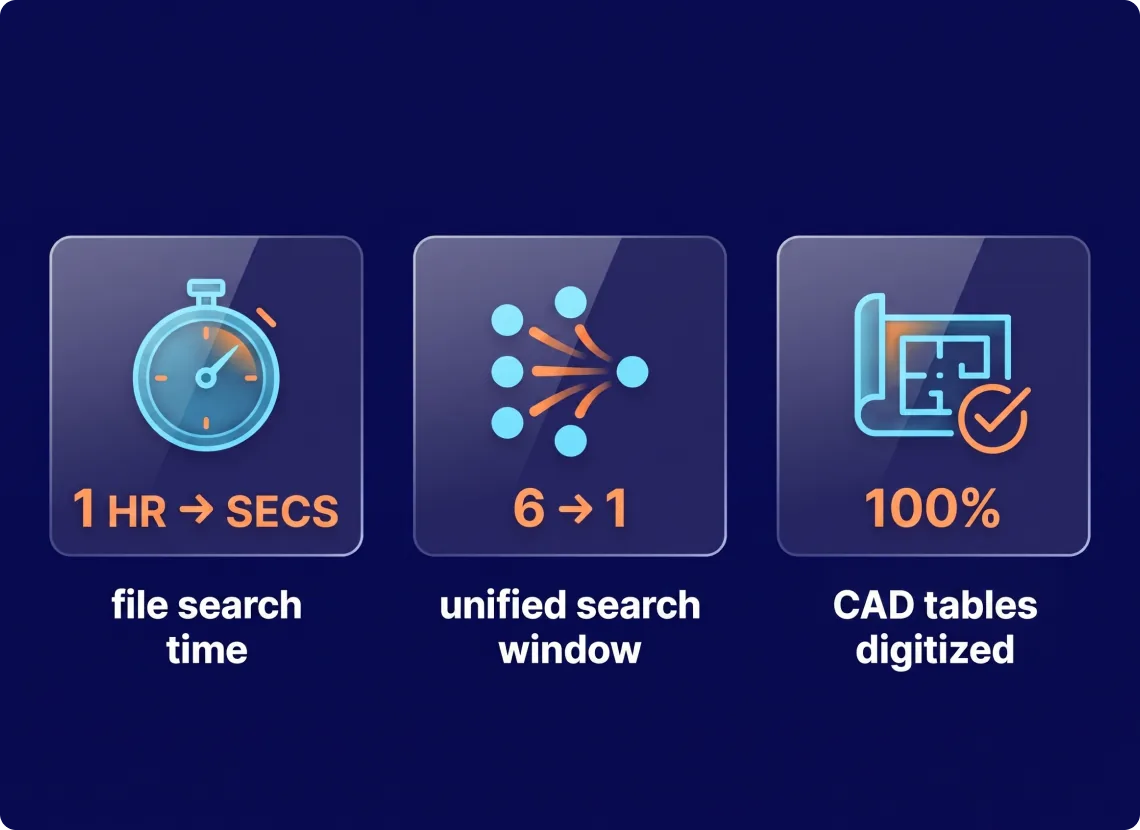
From an Hour of Searching to Seconds, Across 3,600+ Motors
By indexing six disconnected systems behind one search, GroupBWT turned a half-hour folder hunt into a seconds-long query — without moving the data out of SAP.
A dedicated CAD pipeline reads parameter tables trapped inside DWG drawings, so specs that were locked in graphics become searchable fields.
Every AI answer cites its source drawing, so an engineer can trust the result without opening the file to check by hand.
Engineers stay in SAP, CAD, and Microsoft 365. The search layer rides on top — nothing new to adopt, nothing new to abandon.
Reusing an existing motor design becomes a search instead of an archaeology project, shortening the front end of every new custom order.
Is your engineering knowledge scattered across systems?
We map where your data lives, design a search layer on top of the systems you already use, and prove it on your real files first — starting with a discovery phase, not a platform pitch.




You have an idea?
We handle all the rest.
How can we help you?