

A crawler discovers and prioritises URLs; a scraper extracts defined fields into a QA’d dataset—most production systems use both.
This guide has two layers, firstly we explain what a crawler and a scraper do, and how their outputs differ, and after some theory, we run the pipeline reliably (QA, monitoring, compliance, cost).
Web scraper vs crawler explained: extraction vs discovery, outputs, scale, compliance
In the web scraper vs crawler debate, the fastest way to reduce cost and incidents is to separate two layers: URL discovery and field extraction. A web scraper turns pages into structured datasets (with QA rules), while a web crawler maps and revisits the web at scale (with scheduling rules).
If you’re under pressure to ship data “this sprint,” start by locking the output you actually need (records vs URL inventory). Speed without QA and governance usually creates silent failures that you only notice after stakeholders lose trust.
“A crawler’s output is a map; a scraper’s output is a contract. If you can’t define fields and QA rules, you don’t need ‘more scraping’—you need better discovery and governance first.”
— Alex Yudin, (Head of Data Engineering), GroupBWT
Practical meaning: a crawler tells you which URLs exist and which ones to fetch next, while a scraper guarantees which fields you deliver, how you validate them, and where they land.
Web scraper vs web crawler: Introduction
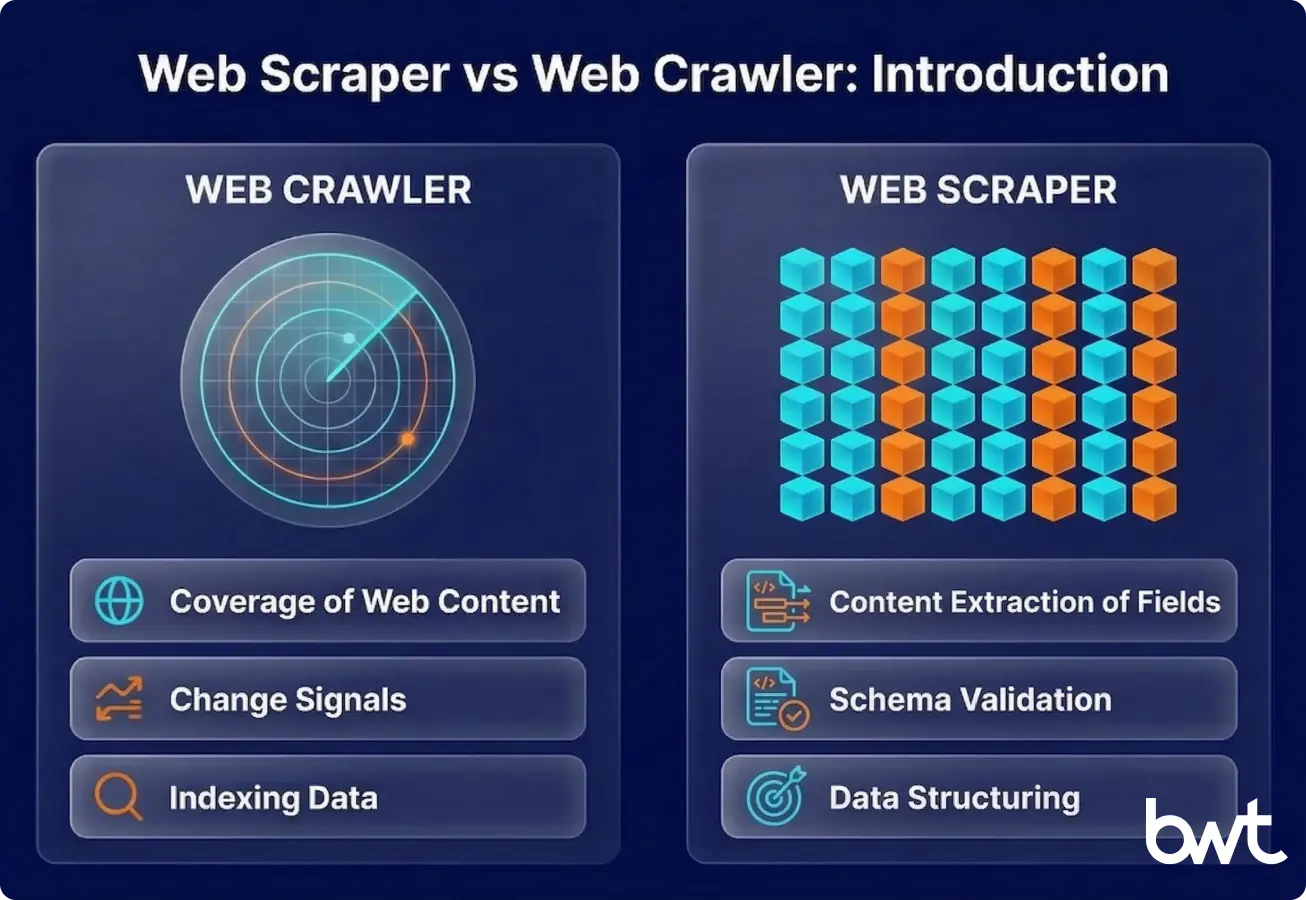
A web crawler is a system that discovers URLs, normalises them (canonicalisation = turning URL variants into one “canonical” URL), removes duplicates (dedupe), prioritises them (frontier/queue = the to-fetch URL list), and revisits them on a schedule.
A web scraper is an extractor that turns a known page type into structured records (JSON/DB/Parquet) under a defined schema plus QA thresholds.
If you’re searching for web crawler vs web scraper differences, start by writing down the output: “URL inventory + change signals” vs “field contract + QA report.” That single decision prevents most architecture and procurement mistakes.
Web crawler vs web scraper vs indexing are related but different:
- Crawling: fetch pages and discover more URLs via links/sitemaps.
- Indexing: process fetched content for search/retrieval (internal search, site search, knowledge base).
- Incremental crawling (sometimes called scanning): revisit known URLs to detect changes quickly, often with lightweight checks before triggering full extraction.
A web scraper works best when fields and QA thresholds are fixed
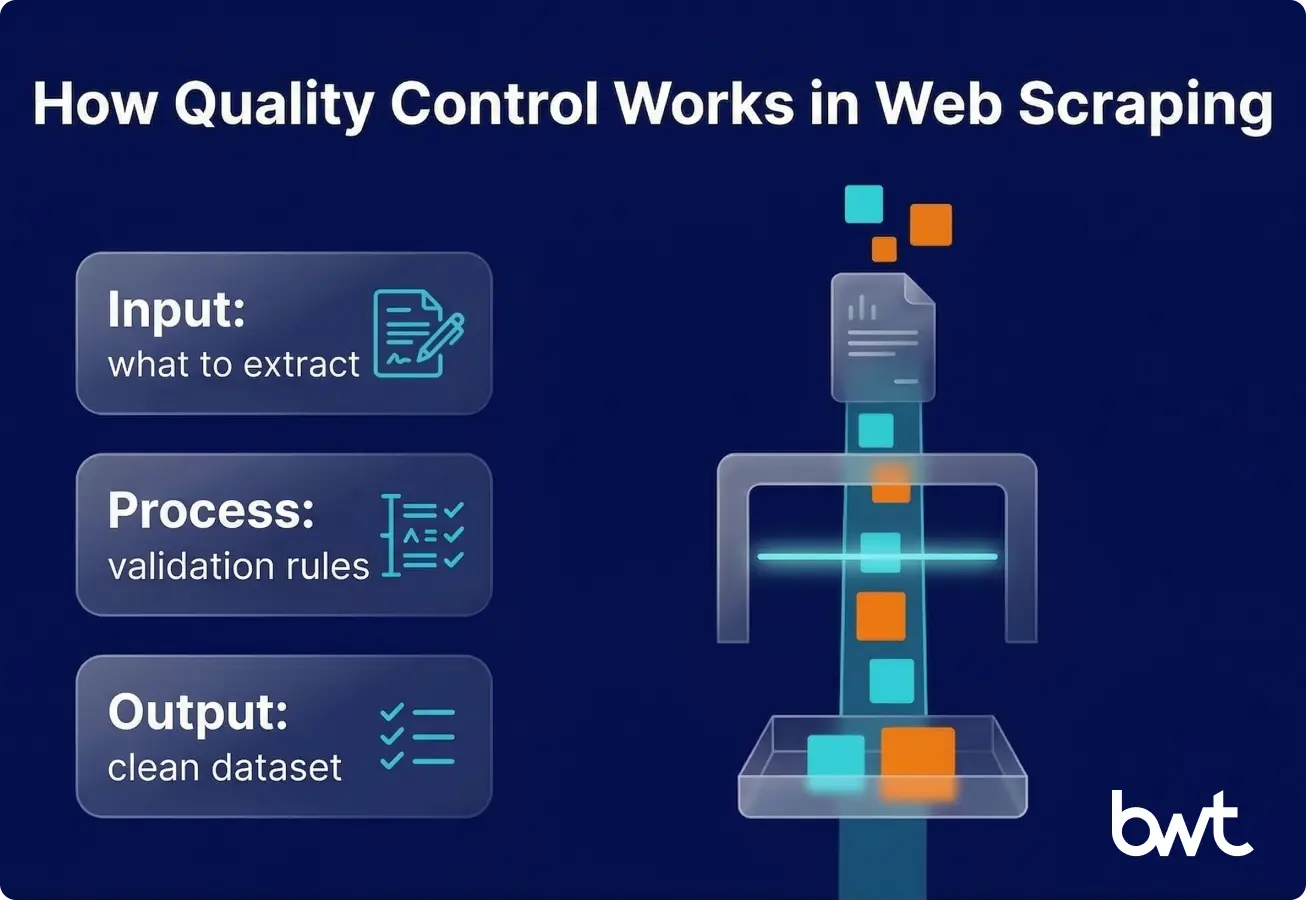
A web scraper is efficient when the target pages and fields are known. It’s designed to answer: “From this page type, extract these fields, in this schema, at this frequency.”
Typical data types extracted by web scrapers:
- Product data (price, availability, SKU, variant attributes)
- Reviews (rating, text, author, date, language)
- Job postings (title, company, location, salary range)
- Regulatory/financial disclosures (filing date, entity, document URL, key figures)
Common business use cases for web scraping:
- Price monitoring and assortment intelligence
- Lead enrichment for sales operations (with strict PII boundaries)
- Review and sentiment pipelines for CX and product teams
- Risk and compliance monitoring from public sources
Mini example (field contract):
Context for beginners: for example, a retailer tracking competitor prices defines this “Daily Prices” contract so BI, finance, and engineering agree on what “a valid daily record” means before automation starts.
| Dataset | Required fields | QA rules (sample) | Delivery |
| Daily Prices | SKU, price, currency, availability, timestamp | price > 0; currency ISO; null-rate < 2% | API or DB table |
Pros:
- High accuracy when selectors and QA are stable
- Lower compute cost on static pages (HTTP-first)
- Business-friendly outputs (tables, APIs, contracts)
Limitations:
- Breaks under layout drift (when a site changes layout/labels so your scraper starts extracting the wrong thing) unless you monitor and version extraction
- JS-heavy pages can multiply the cost (rendering)
- Without discovery, you can miss new/hidden pages entirely
If your team keeps firefighting breakages, compare your setup against the typical challenges in web scraping we see in production.
If you need to validate ROI before engineering invests months, start with no code web scraping to prove the dataset contract (then productionise with QA and monitoring).
If you’re choosing an implementation stack, use web scraping php vs python as a practical comparison of trade-offs.
If parts of your extraction are semi-structured and brittle, see llm for web scraping example—but treat LLM output as another extractor that still needs QA gates.
A web crawler works best when discovery and change detection are the hard part
A web crawler is built for breadth, repeatability, and change tracking. It answers: “What pages exist, how do they connect, and which ones changed since last visit?”
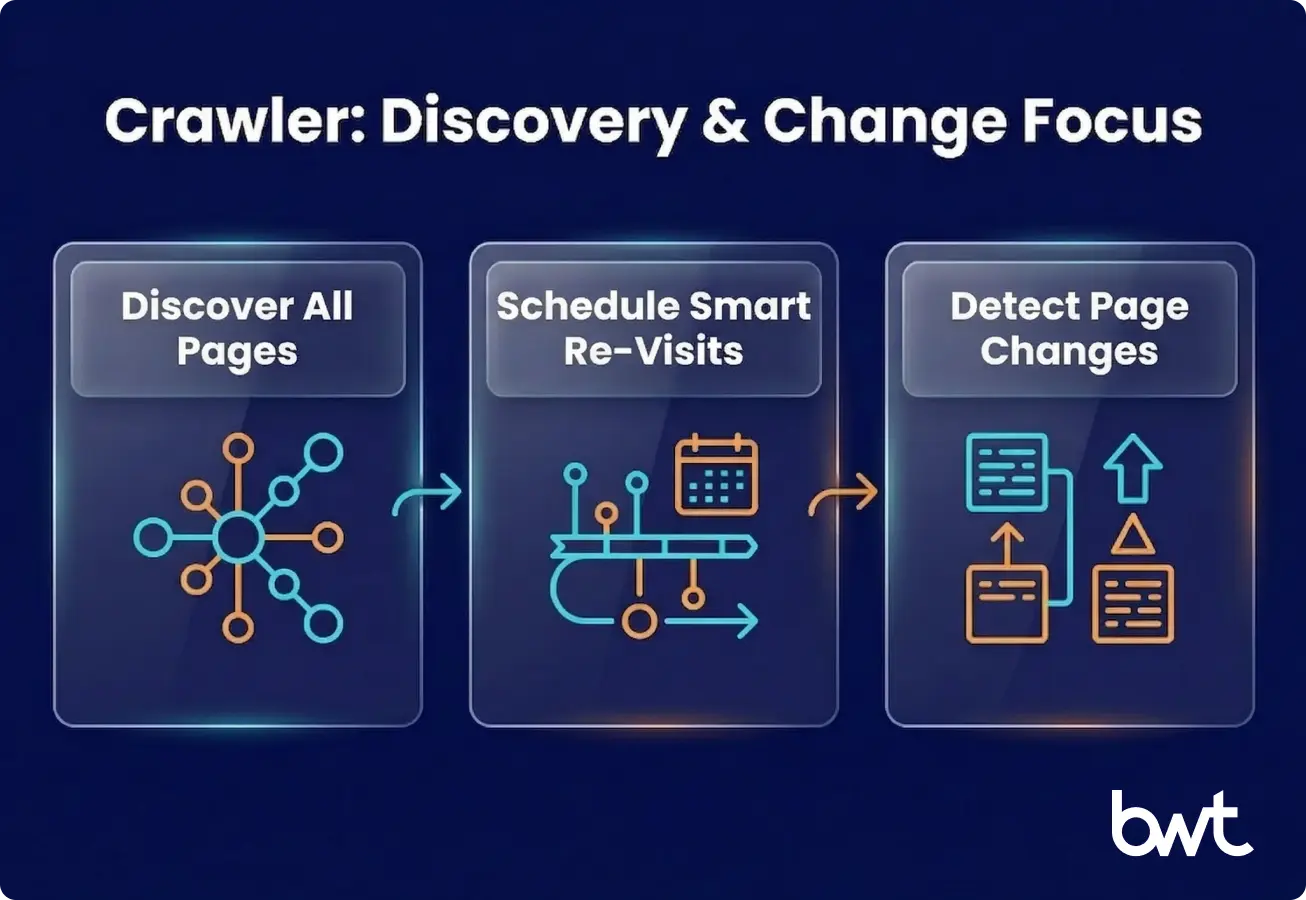
Typical use cases for web crawlers:
- SEO audits and large-scale site discovery
- Content inventory (what exists, what’s stale, what’s duplicated)
- Site mapping for migrations and replatforming
- Monitoring website changes at scale (status codes, canonical, templates)
Mini example (crawler output):
| Output | Example fields | Why it matters |
| URL inventory | url, discovered_from, depth, last_seen | coverage + prioritisation |
| Change log | url, diff signal, timestamp | trigger re-scrape or alert |
Pros:
- Coverage and discovery (find pages you didn’t know to scrape)
- Scheduling logic (revisit important pages more often)
- Great for change detection and site-wide governance
Limitations:
- Crawling alone doesn’t guarantee structured datasets
- Easy to generate noise (thin/duplicate pages) without rules
- Politeness and compliance constraints limit throughput by design
Web scraper vs web crawler becomes clear when you compare outputs, scale, and failure modes
In web crawler vs scraper terms: crawling answers “what exists,” scraping answers “what’s inside and usable.”
Core differences:
- Purpose: extraction vs discovery
- Scraper optimises for field correctness and schema consistency
- Crawler optimises for coverage, prioritisation, and revisit strategy
- Scope: targeted pages vs large-scale websites
- Scraper optimises for field correctness and schema consistency
- Crawler optimises for coverage, prioritisation, and revisit strategy
- Output
- Scraper output: structured records + QA metrics
- Crawler output: URL lists, snapshots, metadata, link graphs, change signals
- Frequency and scale:
- Scrapers run on business schedules (hourly pricing, daily reviews)
- Crawlers run on coverage schedules (frontier-based, priority queues)
Infrastructure reality (de-abstracted):
- Crawler needs: URL queueing, canonical URL rules, duplication rules, politeness budgets (the per-domain rate limits you enforce (requests/sec, concurrency, crawl windows) to avoid harming a site), and snapshot storage.
- Scraper needs: extraction logic, render strategy (HTTP vs headless), schema validation, and delivery integration.
If you want a concrete reference architecture (queues, replay (reprocessing stored raw HTML later without re-fetching the website) to rebuild or fix datasets, monitoring), start with how to build a resilient web scraping infrastructure and map it to your domain constraints.
“Most production incidents are quiet mis-extractions after small UI shifts. We treat raw HTML as replayable input, version selectors, and measure a ‘usable record rate’ so failures are visible early.”
— Dmytro Naumenko, (CTO), GroupBWT
When to use a web scraper vs when to use a web crawler
A scraper is right when you can define fields + schema + QA rules upfront, and the value is in the dataset—not the URL map.
A crawler is right when the hardest part is finding pages, monitoring changes, or governing coverage across a large site.
Real-world patterns:
- E-commerce: crawl categories → scrape PDPs → alert on price changes (if Magento is in scope, see Magento data scraping).
- Jobs: crawl company domains → scrape postings → dedupe across aggregators.
- Media: crawl sources → scrape articles → entity extraction downstream.
For downstream modelling and feature pipelines, connect storage layers and dataset QA to your analytics workflow; the practical baseline is covered in scraping in data science.
Web scraper vs crawler is a risk and ROI decision
Use this 6-question gate:
- Is your output a dataset or a site map? (records vs URLs)
- Do you know the page templates? (known vs unknown)
- How often must it update? (hourly/daily/weekly)
- What’s the acceptable failure mode? (delay vs wrong data)
- How will you validate quality? (QA report + thresholds)
- How will it be delivered? (API/DB/BI, not manual downloads)
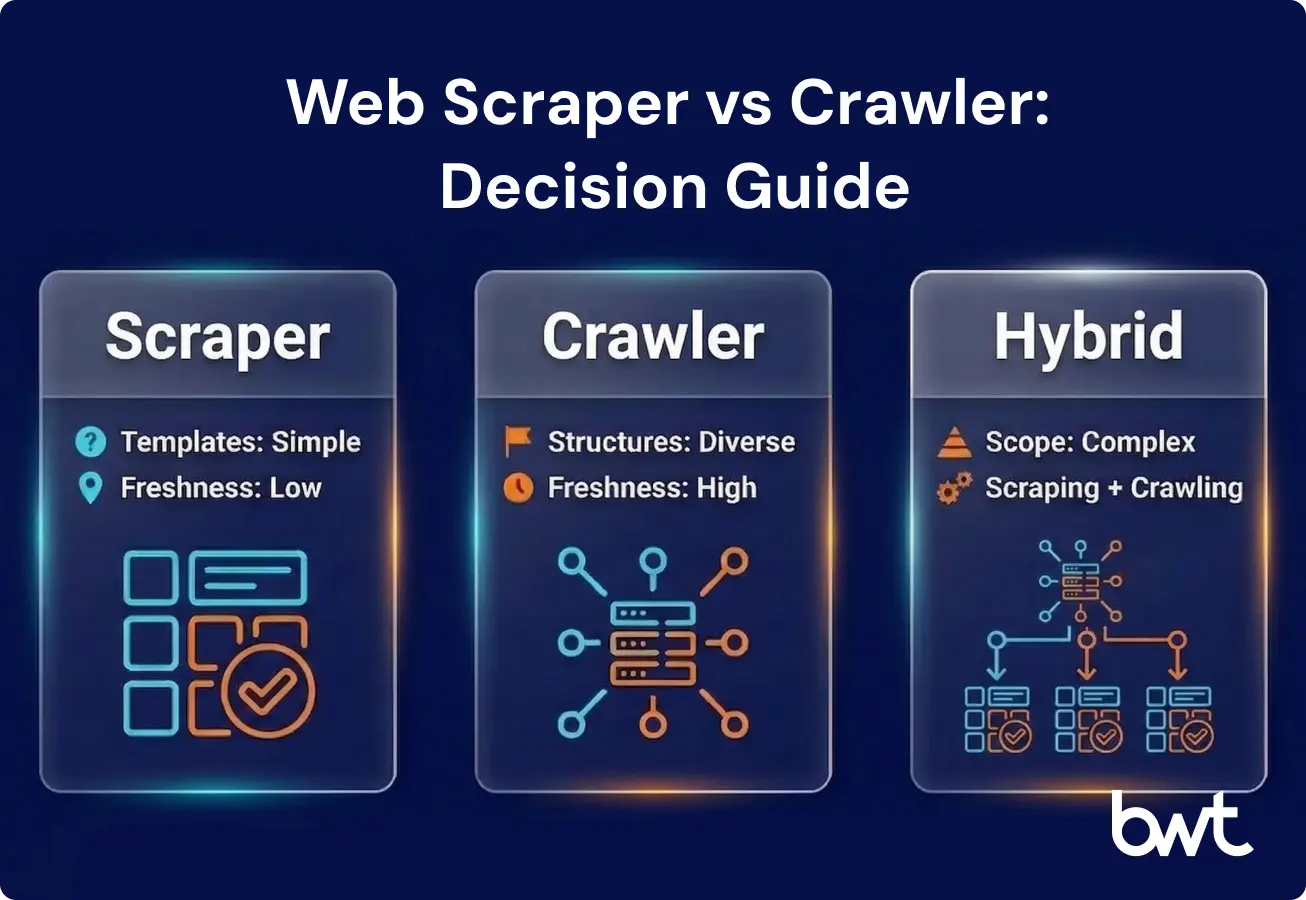
Decision matrix (copy/paste):
| If you need… | Choose… | Because… |
| Known fields from known pages | Scraper | extraction + QA dominates |
| Unknown pages / full site inventory | Crawler | discovery + scheduling dominates |
| Both (common in real life) | Hybrid (crawler → scraper) | coverage + correctness |
Interactive shortcut (scorecard for a spreadsheet):
Give yourself 1 point for each “unknown / risky” answer: unknown templates, strict freshness, “wrong data is worse than delay,” no QA thresholds, and no delivery integration.
- 0–1 points: scraper-first is usually fine.
- 2–3 points: hybrid by design.
- 4–5 points: crawler-first discovery + governance before extraction.
URR (Usable Record Rate): percentage of extracted records that pass QA rules and are fit for downstream use.
URR calculator:
URR (Usable Record Rate) is the percentage of scraped records that pass QA rules and are fit for use.
- Formula: URR = usable_records / total_records (after QA gates)
If you’re deciding whether to build or outsource, shortlist vendors with reliability practices (QA, replay, monitoring) before you compare price; a starting reference is the top web scraping companies.
Compliance and ethics protect your data pipeline from shutdowns
Ethics isn’t a moral add-on—it’s risk management for your data pipeline. When you ignore politeness rules or retention policies, you increase the chance of a takedown request, a legal complaint, or blocks severe enough that your dataset can’t be refreshed.
Concrete steps to implement:
- Enforce per-domain politeness budgets (rate limits + crawl windows).
- Minimise PII and define retention + access controls.
- Prefer licensed data or official APIs when available.
- Keep audit logs (what you collected, when, why, and where it’s stored).
If you operate in the EU or touch personal data, align your pipeline with gdpr web scraping (and review with counsel for your case).
If your approach relies on device signals or tracking-like techniques, review google fingerprinting policy to avoid avoidable compliance and partnership risk.
Primary references (general info, not legal advice):
- Robots Exclusion Protocol (RFC 9309): https://www.rfc-editor.org/rfc/rfc9309
- GDPR: https://eur-lex.europa.eu/eli/reg/2016/679/oj
- CCPA: https://oag.ca.gov/privacy/ccpa
“Ethics isn’t a moral add-on—it’s operational resilience. Polite rates, retention rules, and audit logs cost less than rebuilding a dataset after compliance pushback.”
— Oleg Boyko, (COO), GroupBWT
Clarification: here, “compliance pushback” can mean a GDPR/CCPA complaint, a legal notice, a contractual request to delete data, or an enforcement action by a website (blocks after ToS escalation) that forces your pipeline to pause.
If you’re the site owner and your problem is inbound scraping, start with how to protect your brand, and then implement controls to prevent web scraping.
Technical considerations: blocks are the only failure mode
Don’t buy promises like “we bypass anything.” Buy transparency:
- Block-rate reporting and incident classification (block vs drift vs outage)
- Adaptive scheduling and caching to reduce unnecessary traffic.
- Clear escalation paths (API/partnership/licensed data when needed).
If you need a practical baseline for traffic distribution, see rotating proxies for web scraping.
If you are authorised to test access issues on your own properties (or with explicit permission), bypass Cloudflare should be read as “understand mitigation routes” (allowlisting, caching, APIs, and lawful automation)—not as a blanket promise.
JavaScript rendering and dynamic content:
- HTTP-first wins on cost and speed.
- Use headless rendering (running a real browser to execute JavaScript so dynamic content loads, more expensive than HTTP-only fetching, only for pages that truly need it.
- Validate completeness (detect partial loads and missing modules).
Data storage (three layers where possible):
- Raw capture (for replay)
- Normalised records (for BI/ops)
- Metrics (coverage, URR, drift frequency, MTTR (Mean Time To Recovery))
How GroupBWT delivers this
We deliver crawler+scraper systems as an operations-first programme (not “a script that worked once”).
What you get in 30 / 60 days depends on scope and access constraints, but the typical path looks like this:
What you get in 30 days
- Target scope + compliance stance (PII boundaries, retention, audit expectations)
- URL discovery plan + field contract (schema + QA thresholds)
- Pilot extraction with a QA report and URR baseline
What you get in 60 days
- Production hybrid pipeline (discovery → extraction → QA → delivery → monitoring)
- Replay-ready storage and drift alerts (so fixes don’t require re-fetching everything)
- Runbooks: incident taxonomy, MTTR targets, and escalation paths
Typical engagement format
- Week 0: kickoff, access, and risk review
- Weeks 1–2: discovery rules + field contracts + pilot
- Weeks 3–6: productionisation + monitoring + handover
If you want a scoped plan, send us (1) target domains, (2) fields you need, and (3) freshness requirements—we’ll respond with an implementation path and timeline.
Web crawler vs scraper: summary table
| Dimension | Web crawler | Web scraper |
| Primary job | Discover and revisit URLs | Extract fields into records |
| Output | URL inventory + snapshots/metadata | Dataset + QA metrics |
| Success metric | Coverage + change detection | Usable Record Rate (URR) |
| Typical scale | Site-wide, multi-section discovery | Known templates, targeted pages |
| Common failure | Noise/duplication without rules | Silent mis-extraction after drift |
| Best pairing | Often feeds a scraper pipeline | Needs a URL list/source plan |
Final thoughts: choose operations, not just code
If you treat web scraper vs crawler as “two similar tools,” you’ll overbuild one and underfund operations. Decide first whether your bottleneck is discovery, extraction, or governance—and design for monitoring and replay (reprocessing stored raw HTML without re-crawling) from day one.
When someone asks web scraper vs web crawler, translate it into a workflow: discover → prioritise → extract → validate → deliver → monitor. That’s how you move from a one-off script to a reliable data system.
FAQ
-
Is a web crawler the same as a scraper?
No. A crawler focuses on discovering and revisiting URLs, while a scraper focuses on extracting specific fields into structured records. Teams often combine them, but their success metrics differ (coverage vs accuracy).
-
Can web scraping work without crawling?
Yes—if you already have a stable, complete list of target URLs or an official feed/API. The risk is coverage drift: new pages appear, and you never capture them because discovery is missing.
-
Which approach is better for competitive intelligence?
Scraping is usually the value layer because intelligence needs structured fields (prices, stock, variants, timestamps). Crawling helps ensure you’re not missing new SKUs, category changes, or regional pages—so serious programmes typically use a hybrid pipeline.
-
Are web scrapers and crawlers legal to use?
Legality depends on jurisdiction, the type of data, access methods, and how you store and use it. You need a documented compliance stance, especially around PII, retention, and audit logs. This is general information, not legal advice—review with counsel for your specific case.
-
How do I reduce breakages when sites change?
Treat change as normal. Use monitoring that catches drift early (null spikes, outliers, template markers), keep raw captures for replay, version schemas and extraction logic, and define MTTR targets so fixes are operational—not ad hoc.